Choose how you want to learn
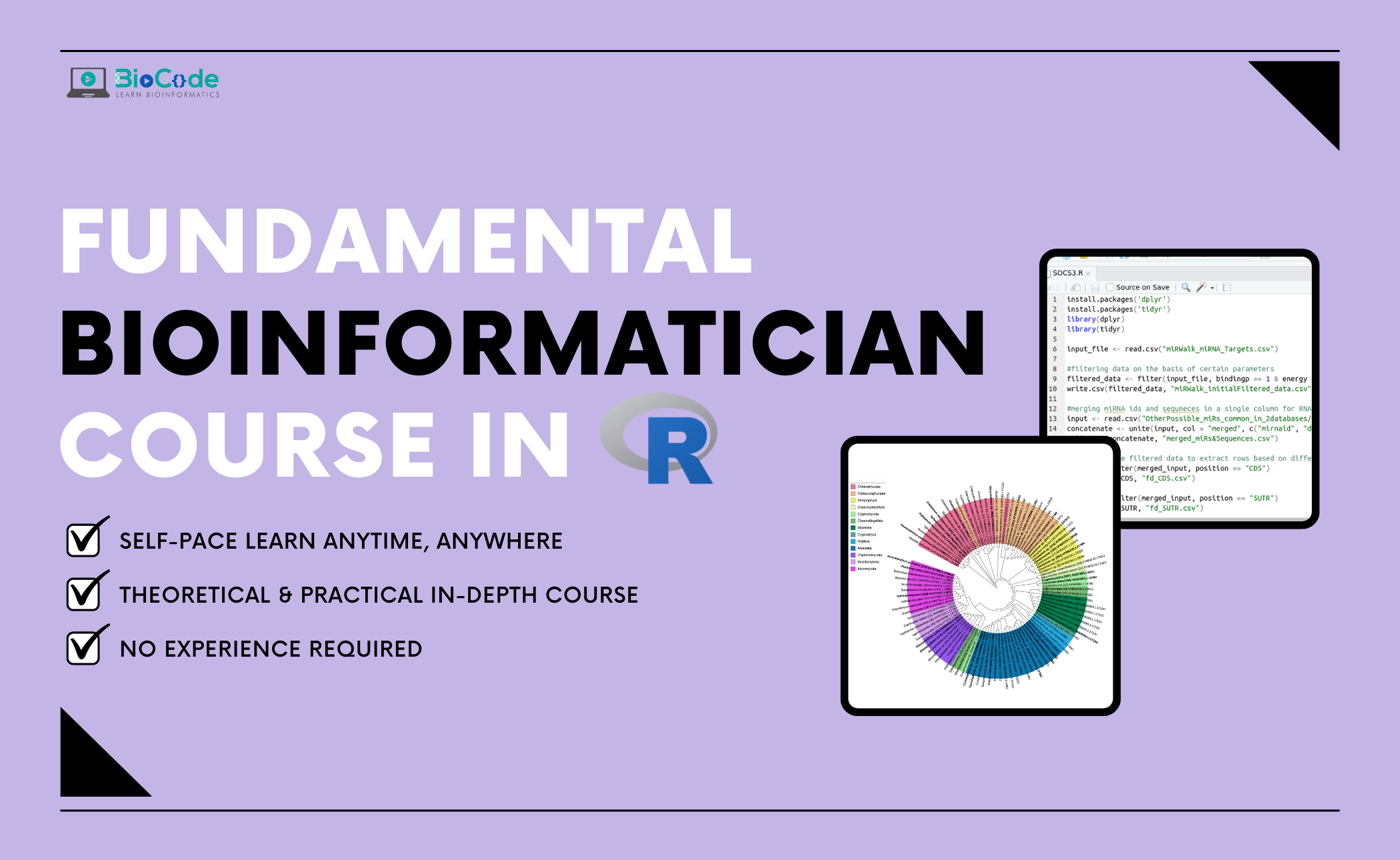
Beginners R For Bioinformatics
Buy this course
One-time purchase of this standalone course.
Continue to course checkout →Looking for a learning curriculum?
Memberships cover different curricula. Check the included topics before choosing; a membership may not include this standalone course.
Check membership coverage →Already purchased? Sign in to access your learning. Review your cart, final price and payment terms before placing an order.
Beginners R For Bioinformatics
About Course
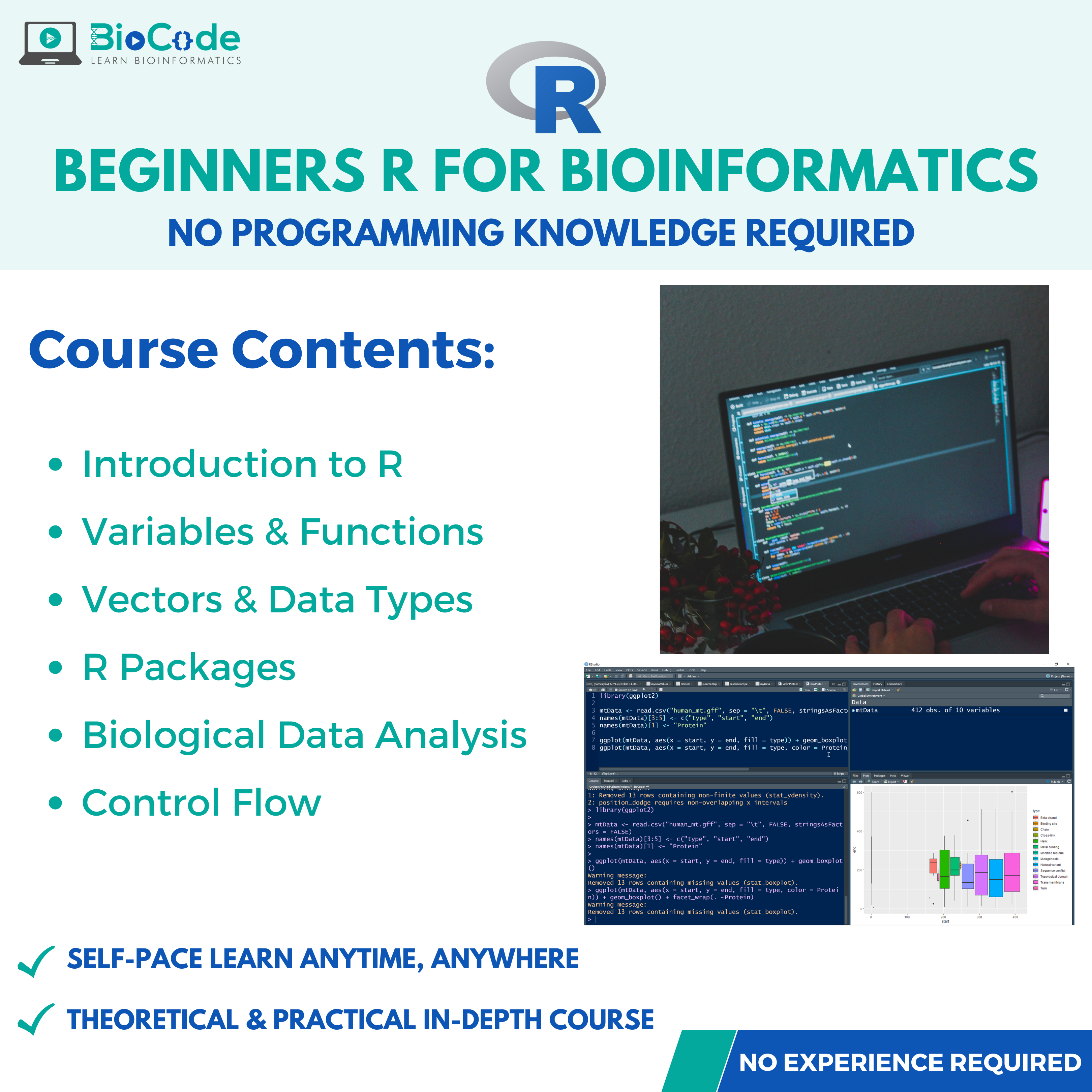
The major part of bioinformatics is connecting together different processing steps into a single pipeline, and then applying that pipeline to many other files repeatedly, which often involves massive and tedious data processing. R is one of the most widely-utilized and powerful programming languages in bioinformatics. R stands out in the areas of research where a variety of statistical tools are required, e.g. RNA-Seq, microarray analysis, statistical testing, biological data visualization, population genomics and in the production of publication-quality graphs and figures.
BioCode is offering a Beginners R for Bioinformatics course in which you’ll learn various concepts related to writing customized scripts in R language, you’ll learn about various built-in functions and packages provided by R. You will be able to write built-in functions in R, work with loops and know how to control the flow of your program and script. R language is considered as the most suitable prohgramming language for biological data analysis, statistics, and graph plotting.
If you’re a beginner in bioinformatics, an experimental biologist, a bioinformatics researcher, or someone with no knowledge of scripting or bioinformatics, our course will help you greatly. Everything will be taught in this course from basics of scripting in R language to advanced level. This course will also provide you with a great foundation and understanding of biological scripting in R.
This course will include the following sections:
Section 1: Introduction to the R Language
Description: This section will focus on making sure that the students gain an understanding about R language and how it is installed.
Learning Outcomes: Upon completion of this section, students will be able to:
- Discuss R Language.
- Install R Language.
- Describe the R Studio Interface.
- Explain the Concept of Comments.
Section 2: Variable and Function in R Language
Description: This section will focus on making sure that the students learn about the various variables and functions provided by the R language and their use.
Learning Outcomes: Upon completion of this section, students will be able to:
- Explain Samples and Replacement.
- Declare Variables and Objects.
- Use Built-in Functions and ARGS.
- Write their Own Functions and Arguments.
- Create Customized Scripts.
Section 3: Vectors and Data Types in R Language
Description: This section will focus on making sure that the students learn about the vectors and data types that are used in R language.
Learning Outcomes: Upon completion of this section, students will be able to:
- Explain Attributes and Names.
- Explain Characters, Integers, Doubles, Logicals, and Factors in R.
- Explain Atomic Vectors in R.
- Discuss Dim and Dimensions in R.
- Describe Coercion.
- Describe Matrix and Matrices.
- Explain Arrays and Lists.
- Describe Class in R.
Section 4: Packages in R Language
Description: This section will focus on making sure that the students learn about the packages that are needed to install in R language.
Learning Outcomes: Upon completion of this section, students will be able to:
- Discuss Packages in R.
- Install Bioinformatics Packages in R.
Section 5: Biological Data Analysis in R
Description: This section will focus on making sure that the students learn how is biological data analysis performed in R language.
Learning Outcomes: Upon completion of this section, students will be able to:
- Describe Zero Notation for Subsetting Biological Datasets.
- Load Biological Data.
- Save Biological Data.
- Perform R Notation and Select Values from Biological Datasets.
- Explain Data Frames.
- Discuss Positive Integers for Subsetting Biological Datasets.
- Discuss Negative Integers for Subsetting Biological Datasets.
- Explain Dollar Signs for Subsetting Biological Datasets.
- Explain Blank Spaces for Subsetting Biological Datasets.
- Modify Values in Existing Datasets.
- Explain NA (Not Available) Values in Biological Datasets.
- Figure out NA Values in Biological Datasets.
- Perform Logical Subsetting in Biological Datasets.
Section 6: Control Flow
Description: This section will focus on making sure that the students learn how the flow of the program is controlled while scripting.
Learning Outcomes: Upon completion of this section, students will be able to:
- Use If Else Statement in Code.
- Use For Loops and Perform Biological Data Binding.
- Use While Loops and Read Multiple Biological Datasets.
Not ready to enrol?
Get the free syllabus & course updates
We'll email you the full outline for this course plus a starter guide — no spam, unsubscribe anytime.
Tools & technologies you'll use
- R
Course Content
Introduction
-
Introduction to R in Bioinformatics & R Installation
09:48 -
The R Studio Interface Explanation
06:23 -
Comments
04:17
Variables & Functions
Vectors & Data Types
Packages
Biological Data Analysis
Control Flow
Evaluation
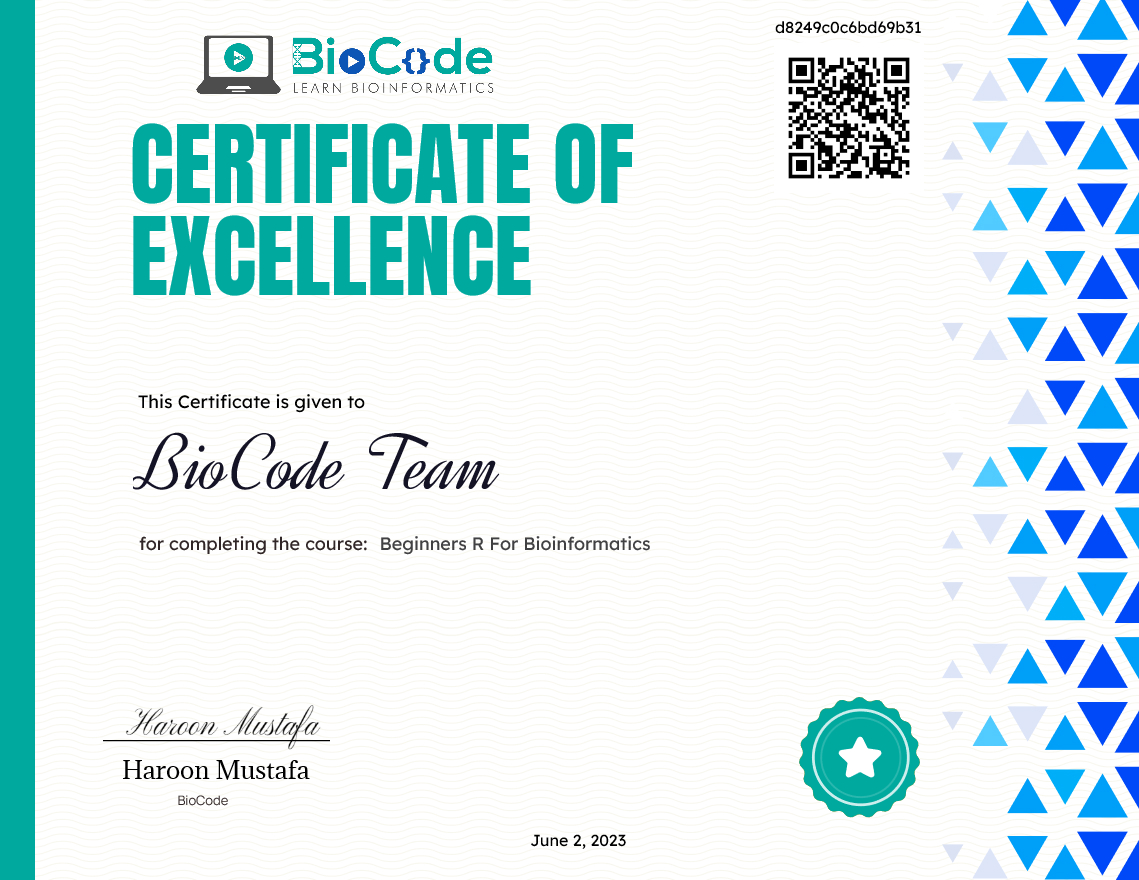
Earn a certificate
Add this certificate to your resume to demonstrate your skills & increase your chances of getting noticed.
Student Ratings & Reviews
Who this course is for
- The target audience for Beginners R For Bioinformatics course are biologists, beginner or intermediate Bioinformaticians or data analysts with no or little experience in Bioinformatics scripting and programming.
- However, a superficial understanding of logic development for coding is expected from you before you join the course.
- Bioinformatics is quite easy to get started in, even if you lack a proper understanding of the underlying concepts of Bioinformatics databases, servers, tools and the algorithms working behind them.
Common questions
Do I need any prior experience for this course?
The course is taught from first principles, so you do not need previous experience with the specific tools it covers. A working understanding of molecular biology will help you get more from it.
How long does Beginners R For Bioinformatics take to complete?
The course contains roughly 2 hours 31 minutes of material across 7 sections. It is self-paced, so you can work through it as quickly or slowly as suits you.
How long do I have access after enrolling?
Access is lifetime. Once you enrol you keep the course and any future updates to it, with no recurring fee.
Do I get a certificate?
Yes — you receive a certificate of completion once you finish the course, which you can share on LinkedIn or include in a CV.
Is this course hands-on or theory only?
It is project-based. You work with real research datasets and run the analyses yourself rather than only watching them being explained.