Command-line Series Introductory Linux for Bioinformatics
About Course
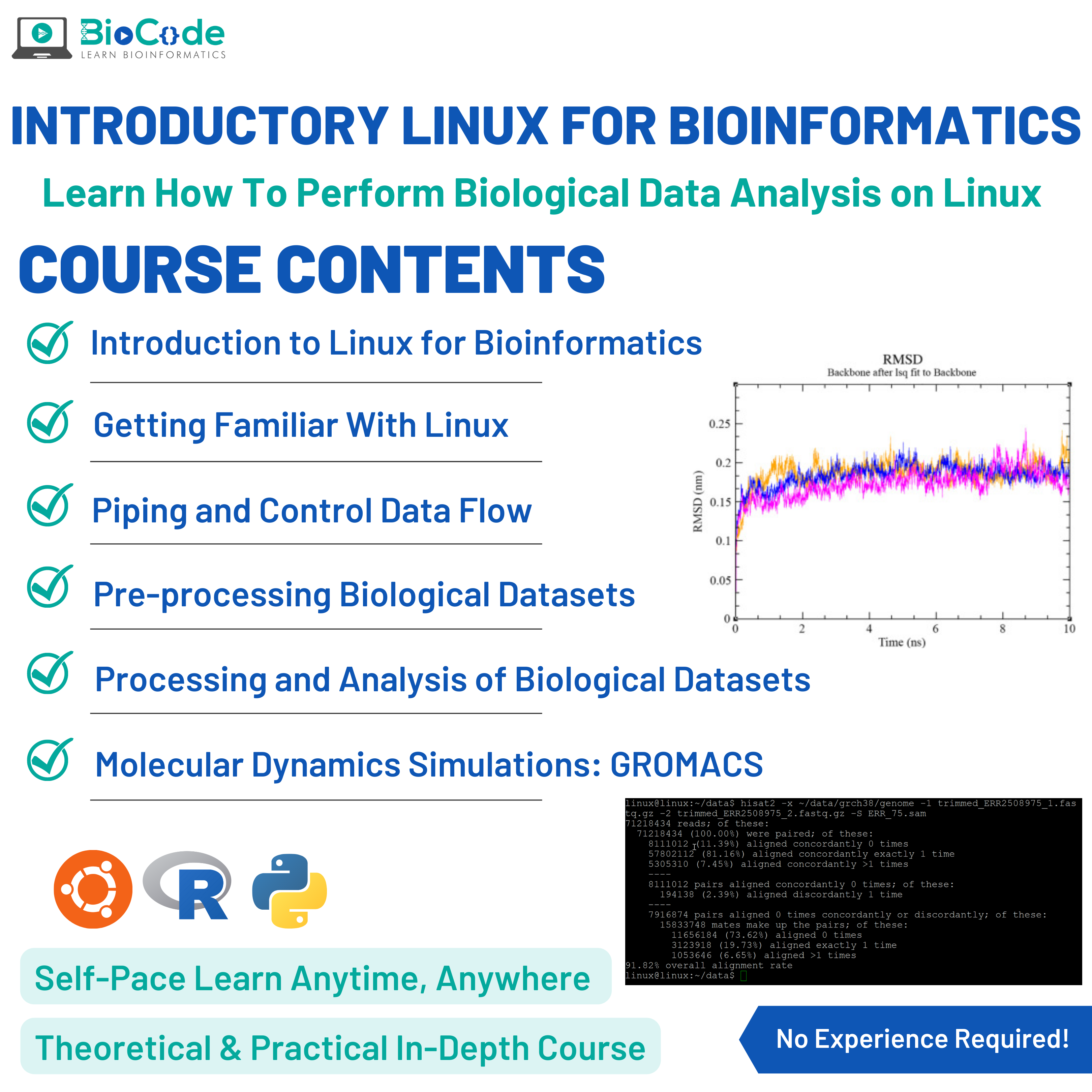
Linux/Unix operating systems are always the first choice of Bioinformaticians to handle and analyze huge biological datasets in a much easier and more efficient manner. Linux allows you to develop and utilize command-line tools for easier and more efficient data analysis of biological nature utilizing the command-line interface of Linux/Unix operating systems. Moreover, Linux makes automated biological analysis easy by providing the ability to create various pipelines so that you don’t have to write the code again and again.
BioCode is offering Introductory Linux Scripting for Bioinformatics course so that you can learn intermediate biological programming on a Linux terminal to efficiently retrieve, manipulate and analyze bioinformatics genomic datasets. Along with this, you’ll learn how to get started with Linux, how to process and pre-process biological data to manipulate and analyze large genomic files and create pipelines to process the datasets.
This course is for absolute beginners in bioinformatics scripting and you don’t require any prior knowledge of Linux or even bioinformatics to get started with this course. In Bioinformatics, the researchers have to work through a huge set of textual data in the form of CSV files, genomic data, tabular data, etc. Such data analysis can be quickly and easily done using the command line or terminal interface of Linux or Unix operating systems. Moreover, it takes a few minutes to complete a task on a Linux OS that you cannot even think of performing on Windows or any other operating system.
This course will include the following sections:
Section 1: Linux
Description: This section will focus on making sure that the students gain an understanding of the Linux operating system and the different functions and commands that can be performed on biological data using Linux.
Learning Outcomes: Upon completion of this section, students will be able to:
- Discuss Linux Operating System.
- Print Working Directory in Linux.
- Change Directories in Linux.
- Make Directories in Linux.
- Move Files, Directories, and Data.
- Find the Installed Programs in Linux.
- Delete Files and Directories in Linux.
- Find the Files Created by the User.
- List Files and Directories on Linux.
- Pipe and Redirect Data.
- Visualize and Inspect Text Data.
- Read the Specified Number of Lines from the Bottom
- Modify File Statistics and Create Files.
- See the Statistics of Files & Directories.
- Retrieve Genome Assemblies.
- Retrieve Bioinformatics Files.
- Create and Edit Text Files.
- Find Sequence Differences in Files.
- Compress and Archive Files Efficiently.
- Extract Compressed Content.
- Create Archives of Genome Data.
- Find Uncharacterized Proteins in the Human Genome.
- Sort Data.
- Find Unique Data Items.
- See the Statistics of Data Within the File.
- Copy Files and File Contents.
- Properly Visualize Delimited Datasets.
The command line, taught for biological data
Almost every bioinformatics pipeline runs on Linux, and almost every general Linux course teaches it with examples that have nothing to do with biology. This course spends its 8 hours 50 minutes on the commands you will actually use, applied to the files you will actually handle — FASTQ, SAM, BED, GTF — rather than on generic system administration.
What you learn
- Getting comfortable in Linux — the filesystem, navigation, permissions, and the small set of commands that carry most of the work.
- Piping and controlling data flow — chaining commands so that large files are processed in a stream rather than loaded whole. This is the idea that makes the command line worth learning.
- Pre-processing biological datasets — inspecting, filtering, cleaning and reformatting sequencing data before it enters a pipeline.
- Processing and analysing biological datasets — extracting what you need from large files and summarising it without opening anything in a spreadsheet.
Why this is worth your time
A genomics file can be tens of gigabytes. Opening it is not an option, and the difference between someone who can answer a question about that file in thirty seconds and someone who cannot is a handful of command-line tools. Once grep, awk, sort and pipes are second nature, a large class of daily problems stops being difficult.
It is also the prerequisite that silently blocks people. Most RNA-Seq, variant calling and ChIP-Seq courses assume comfort at a terminal, and students who skip that foundation struggle for reasons that have nothing to do with the biology.
What you can do afterwards
Navigate a remote server or HPC cluster confidently, inspect and manipulate large sequencing files, build command chains that do real work, and follow any bioinformatics tutorial that assumes a terminal — which is nearly all of them.
Who it suits
Biologists moving into computational work, students starting a bioinformatics programme, and anyone who has been told to “just SSH in” and found that unhelpful. No prior command-line experience is assumed.
Not ready to enrol?
Get the free syllabus & course updates
We'll email you the full outline for this course plus a starter guide — no spam, unsubscribe anytime.
Tools & technologies you'll use
- Linux
- Bash / CLI
Course Content
Linux
-
Introduction to Linux for Bioinformatics
22:32 -
PWD – Print Working Directory
01:26 -
CD – Changing Directories
05:03 -
MKDIR – Making Directories
08:13 -
MV – Moving Files, Directories and Data
05:11 -
Which & Whereis – Find Programs You Installed
03:43 -
Find – Finding User Created Files
03:39 -
LS – Listing Files and Directories on Linux
06:46 -
Piping and Redirection of Data
06:35 -
Cat – Visualization and Inspection of Text Data
03:56 -
Tail- Reading Specified Number of Lines from Bottom
02:23 -
Touch – Modifying File Statistics and Creating Files
07:04 -
Stat – Statistics of File & Directories
02:43 -
Wget – Retrieval of Genome Assemblies
06:48 -
Curl – Retrieval of Bioinformatics Files
02:25 -
Vim – Create and Edit Text Files
05:59 -
GZIP – Compress and Archive Files Efficiently
06:05 -
GUNZIP – Extract Compressed Content
02:14 -
Tar – Create Archives of Genome Data
04:19 -
Grep – Finding Uncharacterized Proteins in Human Genome
08:55 -
Sort – Sorting Data
04:23 -
Uniq – Finding Unique Data Items
10:33 -
WC – Statistics of the Data Within File
02:46 -
CP – Copying Files and Files Contents
03:43 -
Column – Proper Visualizations of Delimited Datasets
04:38
Earn a certificate
Add this certificate to your resume to demonstrate your skills & increase your chances of getting noticed.
Student Ratings & Reviews
Who this course is for
- The target audience for the Intermediate Linux Scripting for Bioinformatics are biologists, beginner or intermediate Bioinformaticians or data analysts with no or little experience in applications of computational bioinformatics
- and analysis.
- However, a superficial understanding of molecular biology and logic development for coding is expected from you before you join the course.
- Bioinformatics is quite easy to get started in, even if you lack a proper understanding of the underlying concepts of Bioinformatics databases, servers, tools and the algorithms working behind them
Common questions
Do I need any prior experience for this course?
The course is taught from first principles, so you do not need previous experience with the specific tools it covers. A working understanding of molecular biology will help you get more from it.
How long does Command-line Series Introductory Linux for Bioinformatics take to complete?
The course contains roughly 8 hours 50 minutes of material across 1 section. It is self-paced, so you can work through it as quickly or slowly as suits you.
How long do I have access after enrolling?
Access is lifetime. Once you enrol you keep the course and any future updates to it, with no recurring fee.
Do I get a certificate?
Yes — you receive a certificate of completion once you finish the course, which you can share on LinkedIn or include in a CV.
Is this course hands-on or theory only?
It is project-based. You work with real research datasets and run the analyses yourself rather than only watching them being explained.