Choose how you want to learn
Python & BioPython for Bioinformatics
Buy this course
One-time purchase of this standalone course.
Continue to course checkout →Looking for a learning curriculum?
Memberships cover different curricula. Check the included topics before choosing; a membership may not include this standalone course.
Check membership coverage →Already purchased? Sign in to access your learning. Review your cart, final price and payment terms before placing an order.
Python & BioPython for Bioinformatics
About Course
Python & BioPython for Bioinformatics
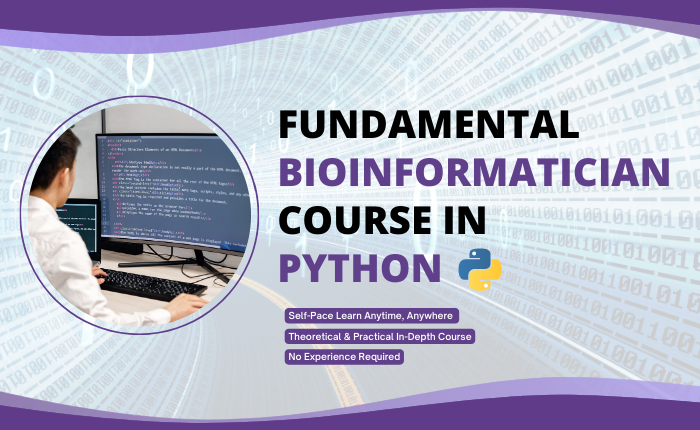
The major part of bioinformatics is connecting together different processing steps into a single pipeline and then applying that pipeline to many other files repeatedly, which often involves massive and tedious data processing. The simple syntax and high-level data structures of Python, make it easier for nonprofessional programmers such as computational biologists to develop programming skills, enabling them to interact with data programmatically and eventually develop code on their own. Biopython is a set of freely available tools for biological computation written in Python language.
BioCode is offering a Python & BioPython for Bioinformatics course in which you’ll learn various concepts related to how to write your first script, and Python data structures such as lists, strings, dictionaries, and more. You’ll learn how to use BioPython for reading/writing bioinformatics files, biological data retrieval from various bioinformatics databases, sequence analysis and alignment, genome analysis, proteome analysis, phylogenetic analysis, and much more. BioPython provides various modules and functions for the study and analysis of huge biological datasets.
This course is for absolute beginners in bioinformatics scripting and you don’t require any prior knowledge of Python programming or even bioinformatics to get started with this course. In this course you will see that by using the modules available within the BioPython package in Python, we don’t have to write long codes to perform a specific task on our biological data, rather we can just call in the built-in functions of BioPython and perform the required task.
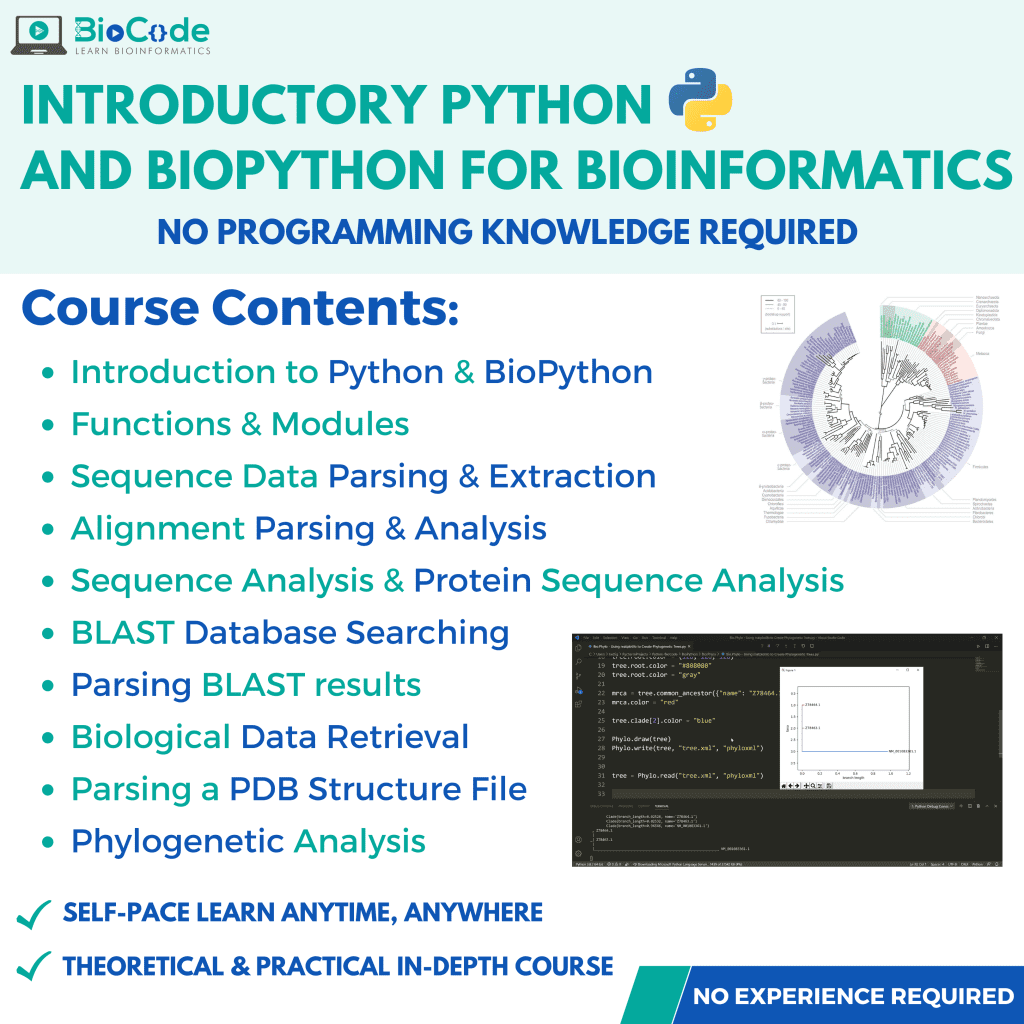
This course will include the following sections:
Section 1: Introduction to Python
Description: This section will focus on making sure that the students gain an understanding of scripting in Python language and the basic functions that can be used to manipulate biological data.
Learning Outcomes: Upon completion of this section, students will be able to:
- Learn the Importance of Python in Bioinformatics.
- Understand Python Programming Language.
- Install Python Language.
- Discuss Comments in Programming Language.
- Perform Basic Input and Output Functions.
- Perform Mathematical Operations.
- Explain Strings Data Structure.
- Explain Dictionaries.
- Discuss Lists in Python.
- Describe Tuples.
- Explain Sets.
- Execute If-Else Conditions in Scripts.
- Execute While Loop and Perform Biological Data Analysis.
- Read Files.
- Write Files.
- Consolidate (merge) Multiple DNA and Protein Sequences into one FASTA File.
- Describe the OS Module.
- Explain CSV Files.
- Explain Functions in Python.
- Use the “With” Statement in Python.
- Perform Error Handling.
Section 2: In-Depth Fundamentals of BioPython
Description: This section will ensure that the students will learn about the various functions that help in our biological data analysis in the BioPython module provided by the Python programming language.
Learning Outcomes: Upon completion of this section, students will be able to:
- Understand the BioPython module.
- Install BioPython.
- Create a Sequence Object Using Bio.Seq Class.
- Explain How a Sequence Object Behaves like a String.
- Perform Central Dogma in BioPython.
- Import UnknownSeq and MutableSeq Objects from Bio.Seq Class.
- Understand the Alphabets of Biology Using Bio.Alphabet Class.
- Explain the IUPAC Module and Types of Sequence Representation.
- Concatenate Multiple Sequence Records Using Generic Alphabets.
- Create Sequence Records Using SeqRecord Module.
- Utilize the SeqRecord Module to Demonstrate the Representation of the FASTA File Within BioPython.
- Utilize the SeqRecord Module to Demonstrate the Representation of GenBank File Within BioPython.
- Utilize the Formatting Feature of the SeqRecord Module.
- Compare and Read Multiple FASTA Files from the Directory Using SeqRecord Module in BioPython.
- Read a Sequence File Using SeqIO class.
- Parse a Sequence File Using SeqIO class.
- Parse a Compressed Sequence File and Create a Dictionary of Sequences.
- Write Sequences and SeqRecords into Files.
- Extract Annotations and Perform Pattern-wise Sequence Data Extraction Using SeqIO module.
- Write Alignment and Multiple Sequence Alignment Records using AlignIO Module.
- Read and Parse a Multiple Sequence Alignment File using AlignIO Module.
- Convert Alignment Formats.
- Manipulate Alignments.
- Align Multiple Sequences Using the ClustalW Python Wrapper.
- Align Two Sequences Using the paiwise2 Function in BioPython.
- Read Multiple Sequence Alignment Files of a Particular Format and Map Information of Alignments.
- Format Alignments.
- Truncate the Specific Regions from the Entire Alignment (Slice Alignments).
- Query NCBI BLAST Through Python.
- Parse the BLAST Results using the Bio.Blast module.
- Access ENTREZ Using Python.
- Get the Summary of Accessions Using Esummary Function of Entrez module in BioPython.
- Download Complete Records Using EFetch Function.
- Use EGQuery Function to do Global Queries for Search Count.
- Search for Database Links of Records Using Elinks.
- Search the Entrez Database Using ESearch Function.
- Use ESpell Function to Get the Correct Spellings for your Search Terms.
- Download GenBank and Entrez Records.
- Search Taxonomy Database.
- Download PubMed Articles.
- Read a PDB (3D Structure) File Using Bio.PDB Module.
- Calculate the Distance Matrix Between Sequences for Phylogenetic Analysis.
- Convert Phylogenetic Tree Data Formats.
- Print Out the Phylogenetic Tree in ASCII.
- Read Phylogenetic Trees.
- Visualize and Manipulate Phylogenetic Trees.
- Create a Web Logo of Motifs.
- Write Out Phylogenetic Data.
- Perform MEME Analysis.
Not ready to enrol?
Get the free syllabus & course updates
We'll email you the full outline for this course plus a starter guide — no spam, unsubscribe anytime.
Tools & technologies you'll use
- Python
- BLAST
- Clustal
- BioPython
Course Content
Python
-
Why Python in Bioinformatics
09:16 -
Introduction to Python and it’s Installation
08:25 -
Comments
05:43 -
Basic Input and output
15:38 -
Mathematical Operations
07:20 -
Strings
21:51 -
Dictionaries
10:57 -
Lists
28:48 -
Lists (pt 2) and Tuples
10:38 -
Sets
07:36 -
If-Else
09:19 -
For Loop and Calculation of Molecular Weight of Proteins
10:56 -
While Loop and Biological Data Analysis
09:37 -
Reading Files
13:45 -
Writing Files
07:18 -
Consolidate (merge) multiple DNA and Protein Sequences into one FASTA file
09:25 -
OS Module
31:47 -
CSV (A special kind of file in Bioinformatics)
08:42 -
Functions
26:41 -
With
08:50 -
Error Handling
15:31
BIoPython
Evaluation
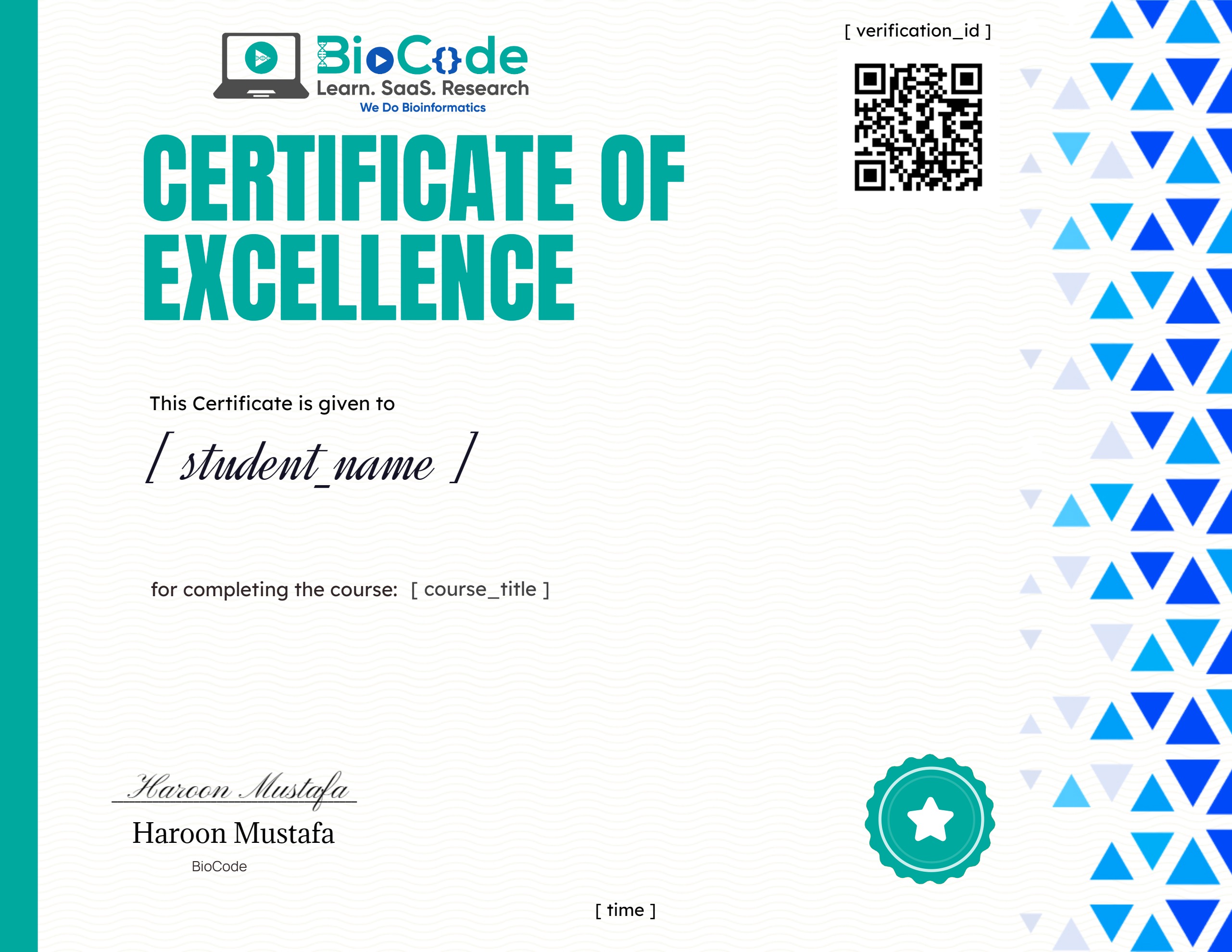
Earn a certificate
Add this certificate to your resume to demonstrate your skills & increase your chances of getting noticed.
Student Ratings & Reviews
Who this course is for
- The target audience for the Introductory Python & BioPython for Bioinformatics course are biologists, beginner or intermediate Bioinformaticians or data analysts with no or little experience in Bioinformatics scripting and programming.
- However, a superficial understanding of logic development for coding is expected from you before you join the course.
- Bioinformatics is quite easy to get started in, even if you lack a proper understanding of the underlying concepts of Bioinformatics databases, servers, tools and the algorithms working behind them.
Common questions
Do I need any prior experience for this course?
The course is taught from first principles, so you do not need previous experience with the specific tools it covers. A working understanding of molecular biology will help you get more from it.
How long does Python & BioPython for Bioinformatics take to complete?
The course contains roughly 10 hours 15 minutes of material across 3 sections. It is self-paced, so you can work through it as quickly or slowly as suits you.
How long do I have access after enrolling?
Access is lifetime. Once you enrol you keep the course and any future updates to it, with no recurring fee.
Do I get a certificate?
Yes — you receive a certificate of completion once you finish the course, which you can share on LinkedIn or include in a CV.
Is this course hands-on or theory only?
It is project-based. You work with real research datasets and run the analyses yourself rather than only watching them being explained.